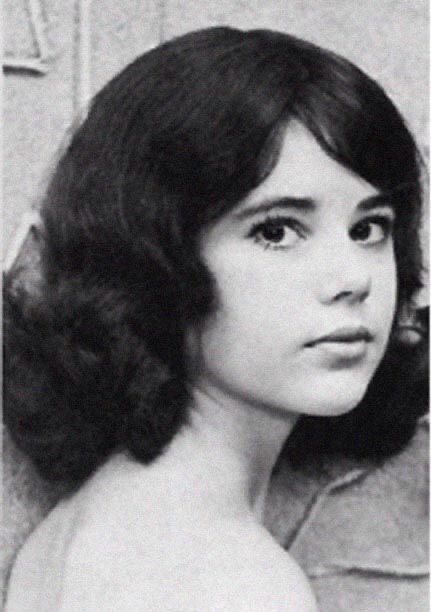
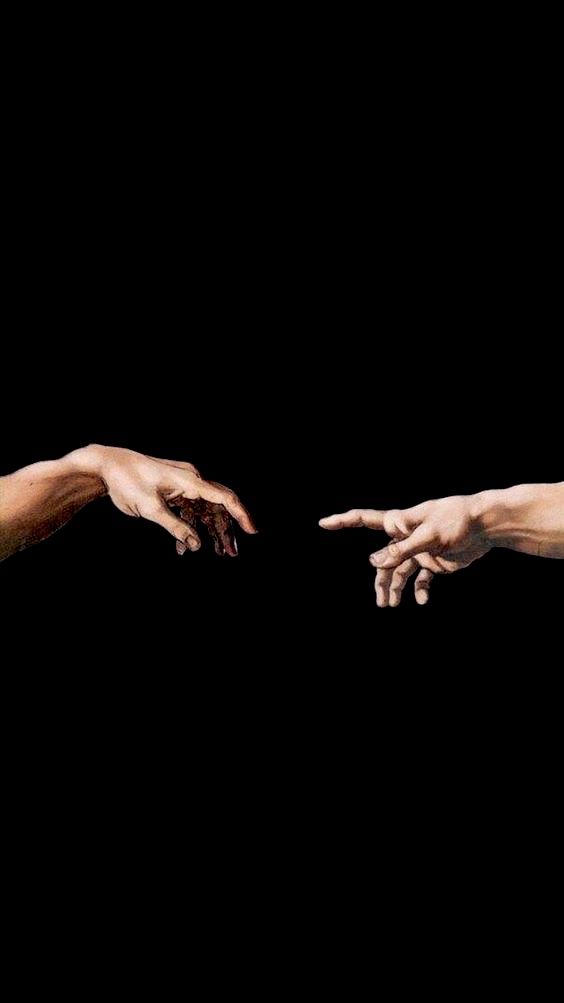
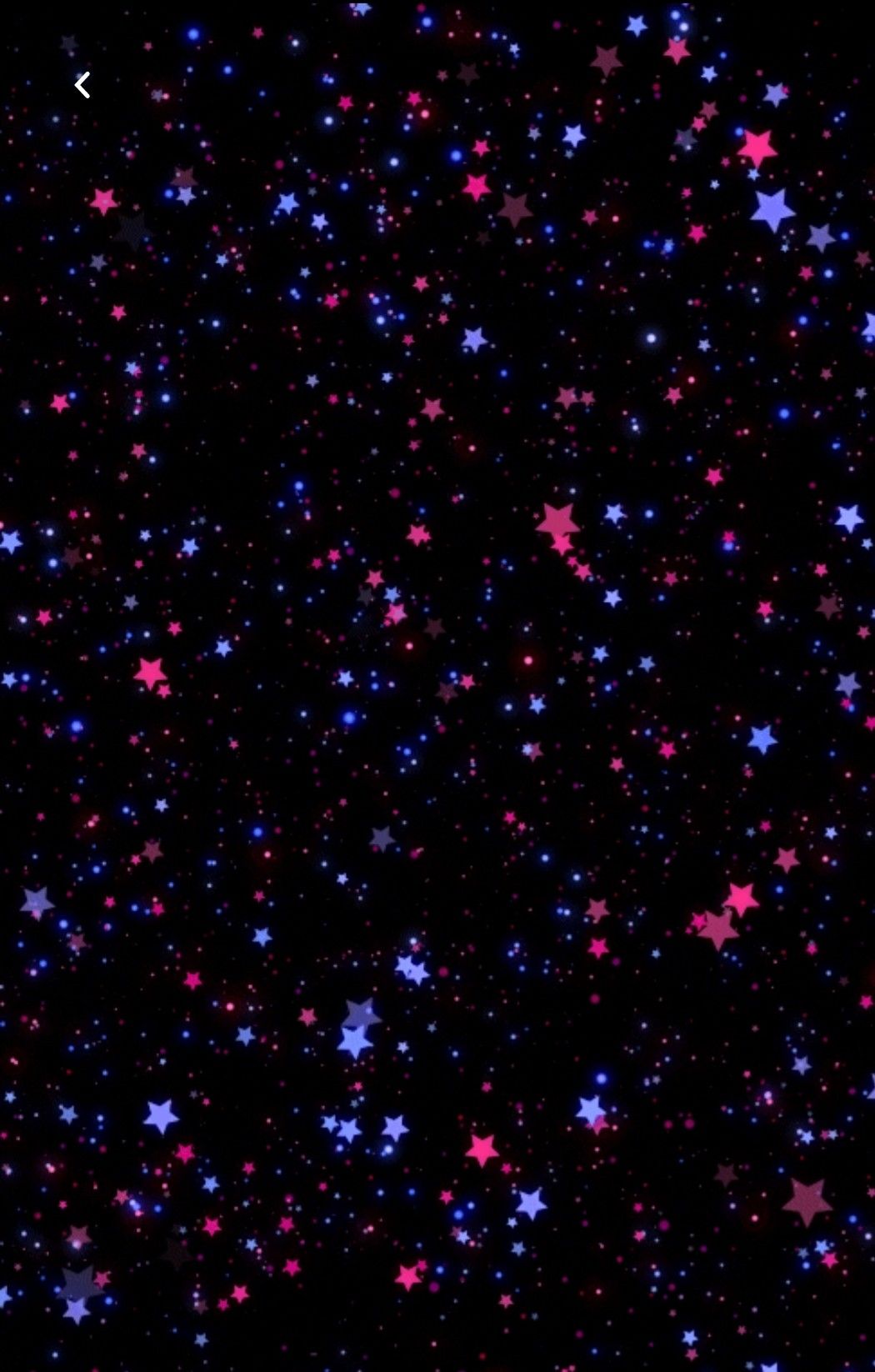
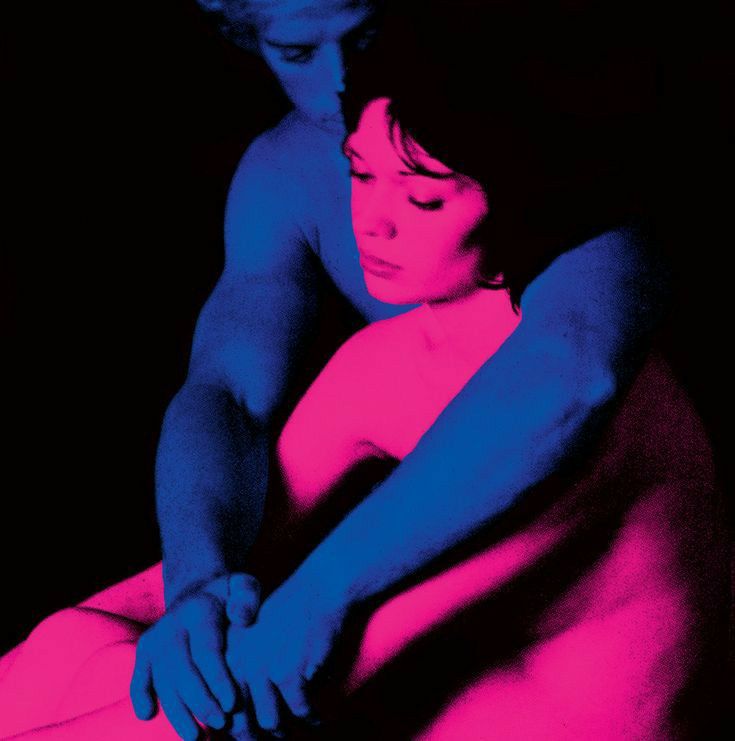
Design ProjectFor this image I filled the image with the pink color.Then I made a circular selection using the Elliptical Marquee Tool. I made adjustments to make her face fit into the circular frame.I used the Quick Selection Tool to cut the stars out of the black background.I used the Quick Selection tool to cut stars out of background.I selected each arm and filled them with two different colors using the Fill feature.I used the Quick Selection tool to remove the arrow at the top. I changed the contrast and brightness of the stars. I cut the two people out to separate them from the background.