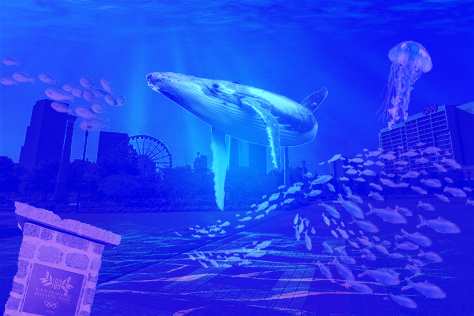
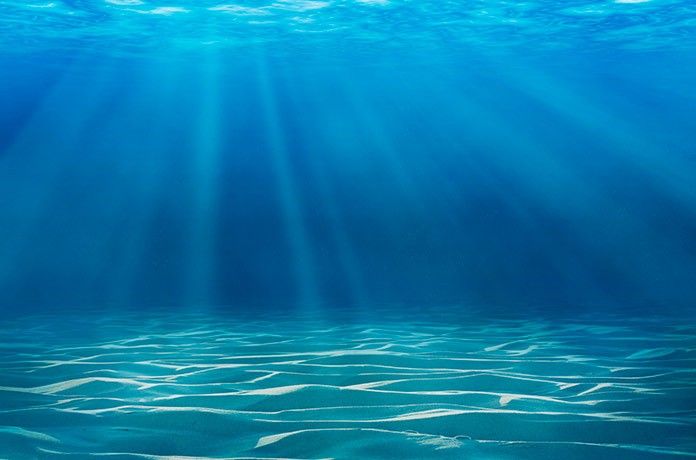
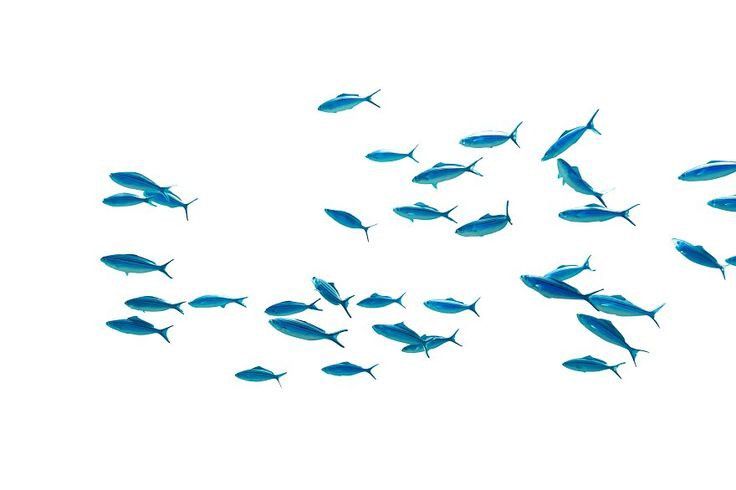
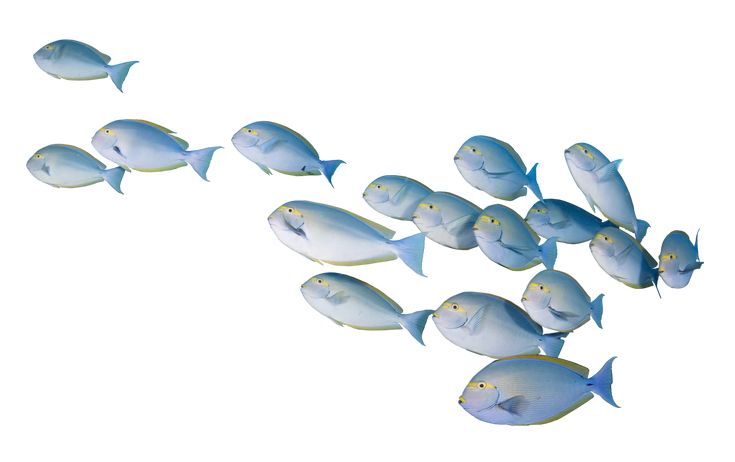
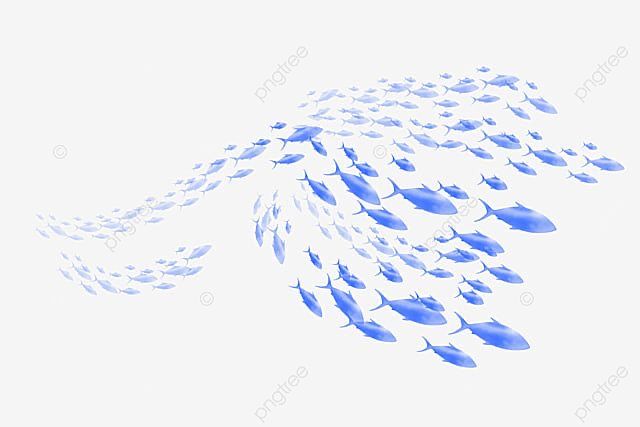
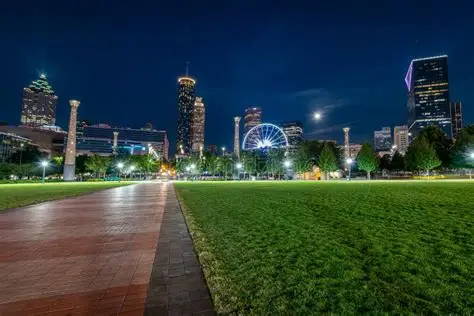
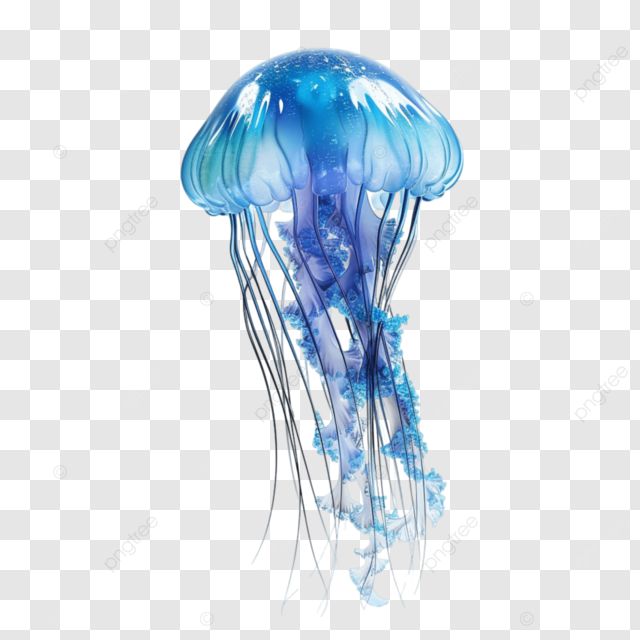
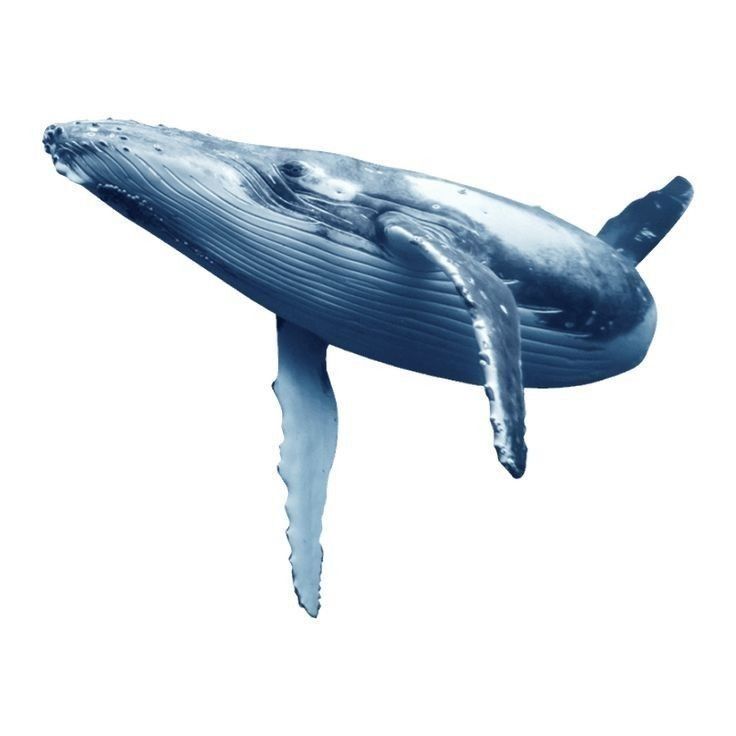
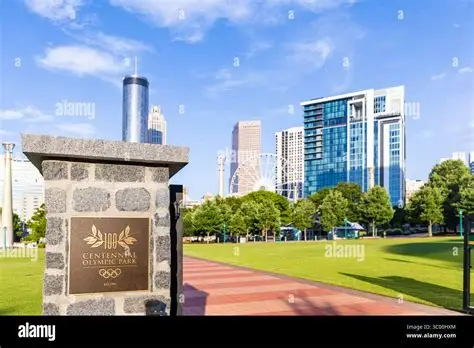
I changed the blend mode of this image to overlay so that the park was still visible. I also lowered the opacity a bit.I added this layer to give off an underwater background. I set the blend mode to Soft Light.These were cut out from there backgroundCut out of background.Cut out of background.For this image, I added Brightness/Contrast adjustments to make it appear cooler.I cut the jellyfish out of background.I also cut it out of its original image.I cut the Centennial Sign out of the image. I made it a little crooked so it would appear older.For this project, the landmark I decided to redesign was Centennial Park. I decided to do an Atlantis theme. I call it Atlanta Atlantis. I was inspired by watching this documentary that I recently saw on YouTube. It was about people that live underwater. After watching I thought about if areas were flooded and became underwater cities. It would be cool. I did not want to go through the idea of adding people to my image because it would not be realistic since humans cannot live underwater. Instead I decided to go with adding the usual life that can be found underwater. Things such as fish, jellyfish, and whales. This gives off the landmark that was replaced by flooding. I also added in the Centennial Park sign under the water to show that this is an underwater city. Now for the name I chose this because it is catchy and since it is based on a underwater city, it fits the theme very well.